WhatsApp Business verification in 2026: requirements, documents, steps and limits
Editorial team · updated · facts checked
WhatsApp Business verification is Meta's check that the business portfolio behind your WhatsApp Business Account belongs to a registered business. You can send messages without it, but it is one route past the starting limit of 250 users a day and lifts the cap from two numbers to 20. Apply in Security Center; decisions take up to 14 business days.
We checked every page cited here on 23 September 2026 and verified no business ourselves. Access routes, pricing and webhooks are in our WhatsApp Business API guide.
Who needs WhatsApp business verification, and when
Meta's help center says businesses on the WhatsApp Business Platform "may need to complete verification" for some features. The developer docs name them:
| New business portfolio | After business verification | |
|---|---|---|
| Messaging limit: unique users reached outside a customer service window in a moving 24 hours (window replies don't count) | 250 | 2,000 after Meta's quality check, then automatic increases |
| Registered business phone numbers | 2 | 20 |
| Message templates per WhatsApp Business Account | 250 | 6,000, once one number in the portfolio has an approved display name |
| Official Business Account (blue checkmark) | Not eligible | Eligible after 30 days on the platform, with more conditions |
Some providers make it a gate: Twilio requires it "before you can move into production", Zenvia won't finish activation while verification is pending or rejected, and Telnyx calls it "recommended for production use". A store sending 300 order confirmations a day to buyers who never wrote first hits the 250 cap on day one.
Requirements checklist before you click Start verification
- Full control of the business portfolio (the renamed Business Manager). If Security Center won't open for you, Meta says this is the likely reason.
- An eligible portfolio. Security Center shows Start verification or Ineligible for verification. WATI says "Ineligible" usually means the portfolio has no WhatsApp Business Account (WABA) yet, or its WABA is banned or restricted.
- A legal entity registered with local authorities, and details that match the registration exactly: legal name, address, phone, website.
- A website that loads over HTTPS, with no links to error pages. Per 360dialog, an incomplete Business Info section can get the WABA restricted.
- A way to prove the connection: a code by email, phone call, text or WhatsApp message, or domain verification. Email codes go only to an address on your website's domain; .edu addresses get none.
- One person's government ID, for the appeal if documents fail.
Documents Meta accepts, with US, Brazil and Mexico examples
Meta asks for documents only when it can't match your details to a record. They must show the legal name plus the official address or phone number, be unexpired and come from the relevant authority (Meta). Five types count:
- Certificate or Articles of Incorporation
- Business registration or license document
- Government-issued business tax document, such as a tax certificate (self-filed tax documents are not accepted)
- Business bank statement
- Utility bill, for address and phone only: it must carry the legal name but can't prove it
Documents must be in one of 21 languages (English, Portuguese and Spanish included) or carry an English translation stamped by a translating agency. Cover data Meta doesn't need, such as a Social Security number. Meta's public page lists nothing by country; providers do:
| Market | Documents listed | Listed by |
|---|---|---|
| United States | Articles of incorporation; business bank statement; business license; EIN; IRS SS-4 (EIN assignment letter); IRS 147c (EIN confirmation letter); taxpayer identification number | 360dialog and WATI, same list |
| Brazil | Cadastro Nacional da Pessoa Jurídica (CNPJ); Certificado da Condição de Microempreendedor Individual (MEI); Contrato Social; business bank statement; utility bill | 360dialog and WATI |
| Mexico | No list found | Neither Meta's public pages nor either provider |
360dialog says Meta keeps a country list; Meta's public help pages don't show it. Meta's Horizon developer docs, for a separate organization-verification flow, name IRS Letter 147C or CP 575 (US) and "CNPJ registration" (Brazil). For Mexico, our reading rather than Meta's: one of the five types, issued by a Mexican authority, with the legal name exactly as typed.
How to verify your business in Meta Business Suite
Meta's help article, desktop browser:
- Open Security Center in Meta Business Suite and click Start verification. If it says Ineligible for verification, see the checklist.
- Enter the legal business name, address, phone number and website.
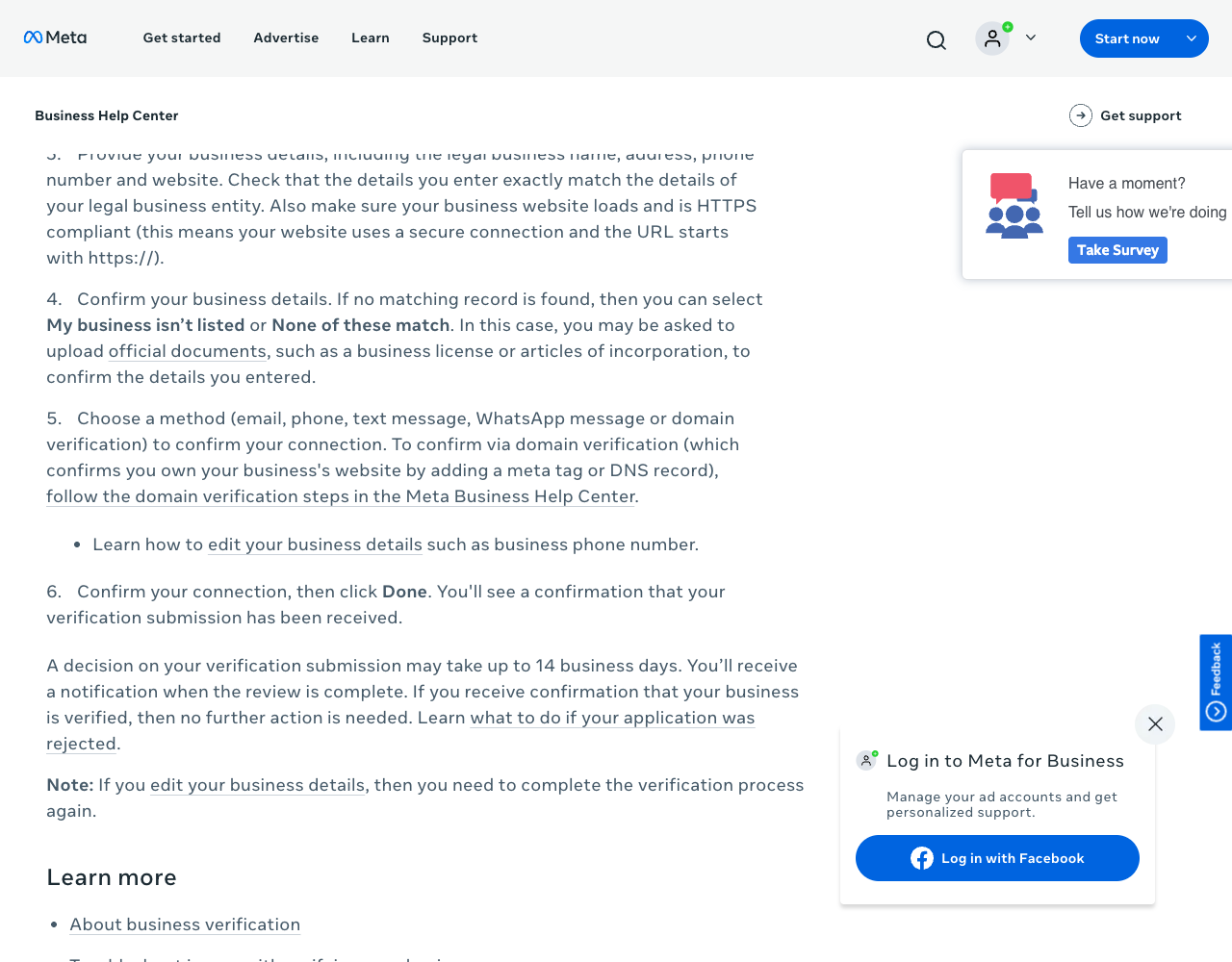
- Pick your business from the records Meta finds. If none fits, choose My business isn't listed or None of these match and upload documents.
- Choose how to confirm your connection: email, phone, text message, WhatsApp message or domain verification.
- Enter the code or finish domain verification, then click Done.
- Wait. Meta says a decision "may take up to 14 business days"; Twilio's docs warn it "can take several weeks", depending on region. Your code can poll the
business_verification_statusfield on the WABA ID (Meta).
Changing a verified business's legal name, country, phone, website or tax ID restarts verification; Meta's edit article warns that Edit may be unavailable once the portfolio holds a WABA. If documents fail, the appeal asks for a government ID from one person with full control (Confirm identity).
Domain verification, when the email doesn't match
- In Meta Business Suite settings, open Brand safety, then Domains (Meta's steps), and click + Add.
- Enter the root domain only:
example.com, notwww.example.com. - Add a meta tag to the home page's
<head>, upload an HTML file to the root, or add a DNS TXT record, then click Verify domain.
Meta's crawler doesn't run JavaScript, so a tag a single-page app injects at runtime isn't seen (troubleshooting).
Verification through a BSP: Embedded Signup vs direct
When a provider onboards you through Embedded Signup, you still log in with your own Meta credentials, pick the portfolio and WABA, verify the number and enter a display name; per 360dialog, only the portfolio owner or an admin can finish it. Building a SaaS that onboards other businesses? Your own portfolio needs verification too: Meta ties Advanced Access permissions to it (developer page), and Embedded Signup onboarding rises from 10 to 200 new customers a week only after Business Verification, App Review and Access Verification.
A faster route is partner-led business verification. Per Meta's partner-led verification docs (updated 21 May 2026), approved Select and Premier Solution Partners submit up to three documents (PDF, JPEG or PNG, 5 MB each) for clients onboarded through their Embedded Signup:
| You, in Security Center | Partner-led verification | |
|---|---|---|
| Who can use it | Anyone with full control of the portfolio | Clients of an approved Select or Premier Solution Partner |
| Decision time (Meta) | Up to 14 business days | 5 minutes on average, sometimes several hours |
| If rejected | Appeal in Security Center | Three partner submissions, then the business verifies on its own |
| Rejection detail | Status in Security Center | Reason codes in a webhook |
360dialog offers it at the end of Embedded Signup, and its pricing page lists "Business verification in 48h" on Premium (€99 per number per month). Ask a provider whether it is approved; the WhatsApp API rankings compare the rest.
WhatsApp display name rules and approval
You enter a display name when you register a number, and review comes later: per Meta's display names page (updated 16 June 2026), the name "automatically undergoes verification" once you reach a higher messaging limit. Meta's guidelines reject:
- generic terms or places ("Fashion", "New York")
- "Official" or "Verified" in the name
- references to Meta, WhatsApp or Facebook
- promotions ("20% off sale") and names formatted as a URL or email address
- names with no visible link to your legal name or website branding; "Brand by Company" is accepted when your site states the relationship
A phone_number_name_update webhook brings the decision, and name_status becomes APPROVED or DECLINED. 360dialog lists the usual causes of rejection: no clear link to the legal name, a name absent from the website, mismatched branding. Edit the name or appeal through Developer Support. Twilio's docs add the cost: a rejected name limits the number to 250 business-initiated messages per 24 hours. You can change a name 10 times per 30 days; after approval, re-register the number within 14 days or the name goes back to review.
Messaging limits: tiers and how to move up
Since 7 October 2025, Meta sets limits per business portfolio, shared by all its numbers (change notice). The tiers: 250, 2,000, 10,000, 100,000, unlimited.
- To 2,000: verify the business, have your partner verify it, or deliver 2,000 high-quality templates outside customer service windows to unique users within 30 days. After a quality review, approval raises the limit at once (
business_capability_updatewebhook); a denial firesaccount_alerts, whereINCREASED_CAPABILITIES_ELIGIBILITY_NEED_MORE_INFOasks you to verify your identity or use the template route. - Beyond 2,000: one level within 6 hours, if quality is high across all numbers and templates and you used at least half the current limit in the last 7 days.
- To check: WhatsApp Manager → Account tools → Messaging limits, or the
whatsapp_business_manager_messaging_limitfield on a phone number (TIER_250in Meta's example);messaging_limit_tieris deprecated.
A quality drop no longer lowers the limit, but one busy number can use up the whole portfolio's allowance.
Why business verification gets rejected, and Meta's documented fixes
| What went wrong | Documented by | Fix |
|---|---|---|
| False or misleading details, or details Meta suspects are | Meta | Re-enter details exactly as on your registration document |
| Claiming a business you don't own or represent | Meta | Submit from an account with authority and full control |
| Website fails to load, isn't HTTPS or links to an error | Meta | Fix the site and certificate, then appeal |
Legal name missing from the documents (LEGAL_NAME_NOT_FOUND_IN_DOCUMENTS) | Meta, partner-led webhook example | A registration or tax document showing the legal name; a utility bill can't prove it |
| Expired, self-filed or unsupported-language document | Meta | A current, authority-issued document or a stamped English translation |
| Code can't reach you (email off your domain, .edu address) | Meta | Domain verification or phone |
| Documents couldn't verify the business | Meta | Appeal with one full-control person's government ID |
| Name or address differs from the portfolio profile; cropped or blurry scans; legal name absent from the website | 360dialog | Align Business Info with the document, upload full-page scans, show the legal name on the site |
Appeal in Security Center or wherever you started. We found no public list of reason codes for Security Center submissions.
The green tick: Official Business Account, briefly
What searchers call the WhatsApp green tick is an Official Business Account (OBA), shown with a blue checkmark. Meta's OBA page (updated 19 September 2026) requires policy compliance, 30 days on the platform, a verified portfolio, two-step verification and an approved display name; the help center adds that the business must be "notable" in the news. Meta Verified is a paid badge subscription; business verification "won't give you a verified badge". Business-app users find it under Settings or Business Tools, where available (WhatsApp).
Related guides
- WhatsApp Business API guide: access, pricing, templates and webhooks
- WhatsApp Cloud API tutorial: first message, webhooks and going live
- Best WhatsApp API providers, ranked
- WhatsApp API providers in Brazil, Mexico and the United States
- 360dialog card and Twilio card, every fact dated
About this guide
The PingMyUsers editorial team wrote this tutorial for developers taking WhatsApp from a test number to production; Sensaria AG in Switzerland operates the directory. We did not verify a business, upload documents or contact Meta. This explains Meta's published process; it is not legal advice on which documents to submit. Providers don't pay for placement, and none reviewed this page. Report errors to contact@sensaria.ch.
Methodology
On 23 September 2026 we read every Meta help-center article cited (in a headless browser, collapsed sections opened), the cited Meta developer pages and each provider page. Evidence rules are on the methodology page.
Last updated
23 September 2026: first version, every fact checked that day. Next re-check: March 2027, or sooner if Meta changes its limit or display-name pages.
Frequently asked questions
Is business verification required for the WhatsApp Business API?
Not to start. It is one route past 250 users a day and two numbers; Twilio requires it before production, Zenvia before activation.
How long does WhatsApp business verification take?
Up to 14 business days, per Meta; partner-led verification averages 5 minutes. Twilio warns of several weeks in some regions.
What documents do I need for Meta business verification?
Only if Meta finds no matching record: incorporation papers, a registration or license, a government tax document, a bank statement or a utility bill. Providers list EIN letters (US) and the CNPJ (Brazil).
Why can't I see the Start verification button?
Meta says "Ineligible for verification" means you don't need to verify in Security Center for now. WATI says the usual cause is a missing, banned or restricted WhatsApp Business Account.
Does business verification give me the WhatsApp green tick?
No. The blue checkmark comes with an Official Business Account, which also needs 30 days on the platform and an approved display name. Twilio calls verification free; Meta Verified, a separate badge, is paid.
What happens if my WhatsApp display name is rejected?
Meta marks the name DECLINED. Edit it to fit Meta's guidelines or appeal through Developer Support; per Twilio, the number stays capped at 250 business-initiated messages a day.
Sources
- Meta — About business verification in Meta Business Suite — checked 23 September 2026
- Meta — How to verify your business in Meta Business Suite — checked 23 September 2026
- Meta — Which official documents do I need to upload to verify my business — checked 23 September 2026
- Meta — Why was my business verification submission rejected — checked 23 September 2026
- Meta — When to submit your ID for business verification — checked 23 September 2026
- Meta — Edit business details for a verified business — checked 23 September 2026
- Meta — Verify your domain from your business portfolio — checked 23 September 2026
- Meta — When to use domain verification to verify your business — checked 23 September 2026
- Meta — Troubleshoot why you can't verify your domain — checked 23 September 2026
- Meta — Messaging limits (WhatsApp Business Platform) — checked 23 September 2026
- Meta — Changes to messaging limits (portfolio-based from 7 October 2025) — checked 23 September 2026
- Meta — Business phone numbers — checked 23 September 2026
- Meta — Display names — checked 23 September 2026
- Meta — Display name guidelines for the WhatsApp Business Platform — checked 23 September 2026
- Meta — About WhatsApp Business display name — checked 23 September 2026
- Meta — Embedded Signup overview — checked 23 September 2026
- Meta — Partner-led business verification — checked 23 September 2026
- Meta — Template fundamentals (template limits per WhatsApp Business Account) — checked 23 September 2026
- Meta — Business Verification for apps (Advanced Access) — checked 23 September 2026
- Meta — Official Business Accounts — checked 23 September 2026
- WhatsApp Help Center — About Meta Verified for Business on WhatsApp — checked 23 September 2026
- Meta Horizon — Business verification (organization verification, separate flow) — checked 23 September 2026
- 360dialog — Meta Business Verification — checked 23 September 2026
- 360dialog — Embedded Signup — checked 23 September 2026
- 360dialog — Display names — checked 23 September 2026
- 360dialog — WhatsApp Business Platform pricing — checked 23 September 2026
- WATI — Meta Business Verification: required documents by country — checked 23 September 2026
- WATI — How to enable the Start Verification button in Meta Business Manager — checked 23 September 2026
- Twilio — WhatsApp Self Sign-up — checked 23 September 2026
- Telnyx — WhatsApp Embedded Signup — checked 23 September 2026
- Zenvia — Como conectar uma linha de WhatsApp à Zenvia — checked 23 September 2026
- Gupshup — Verify your business on Meta — checked 23 September 2026